Keepcape
A reader that makes the hard parts clear.
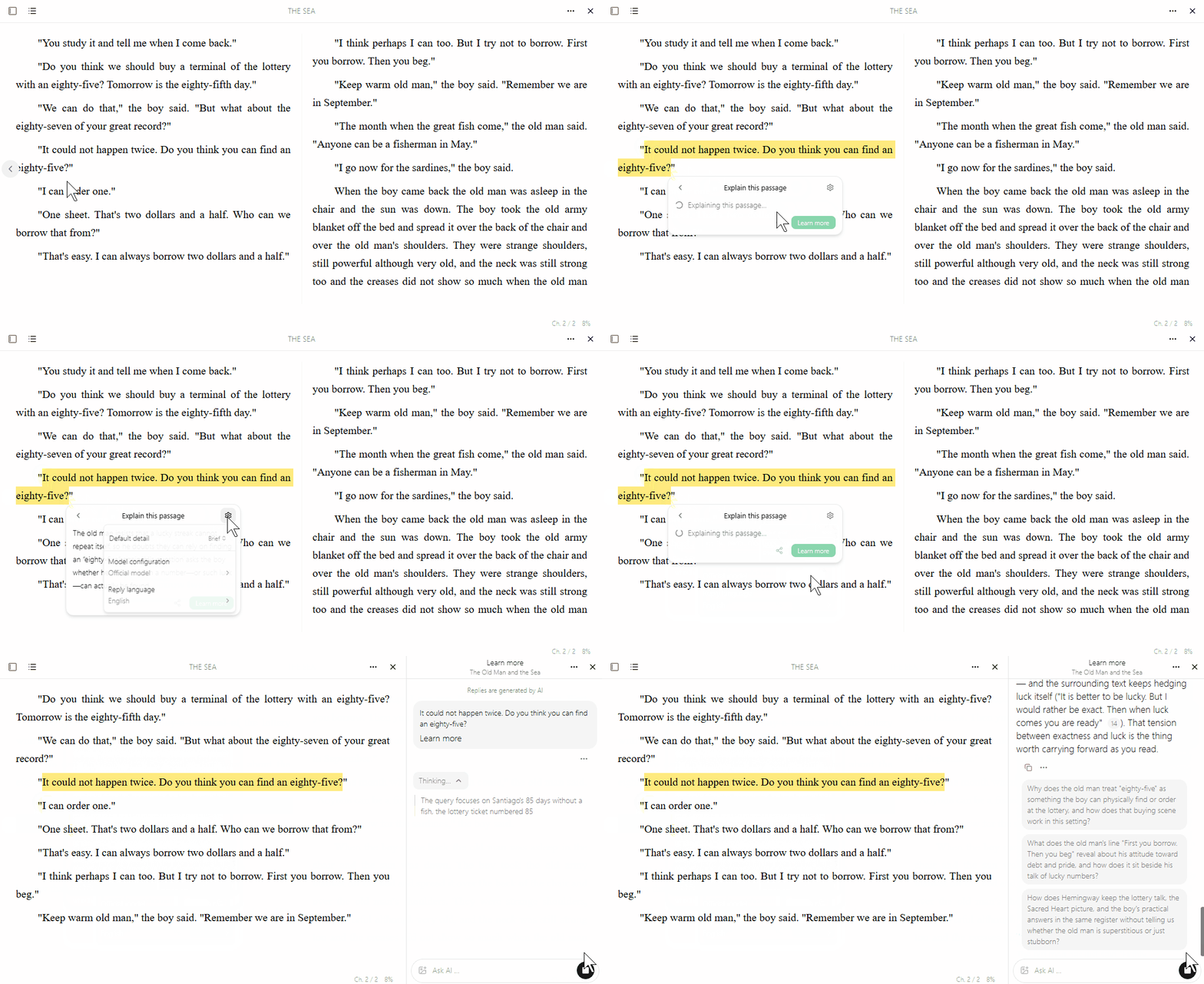
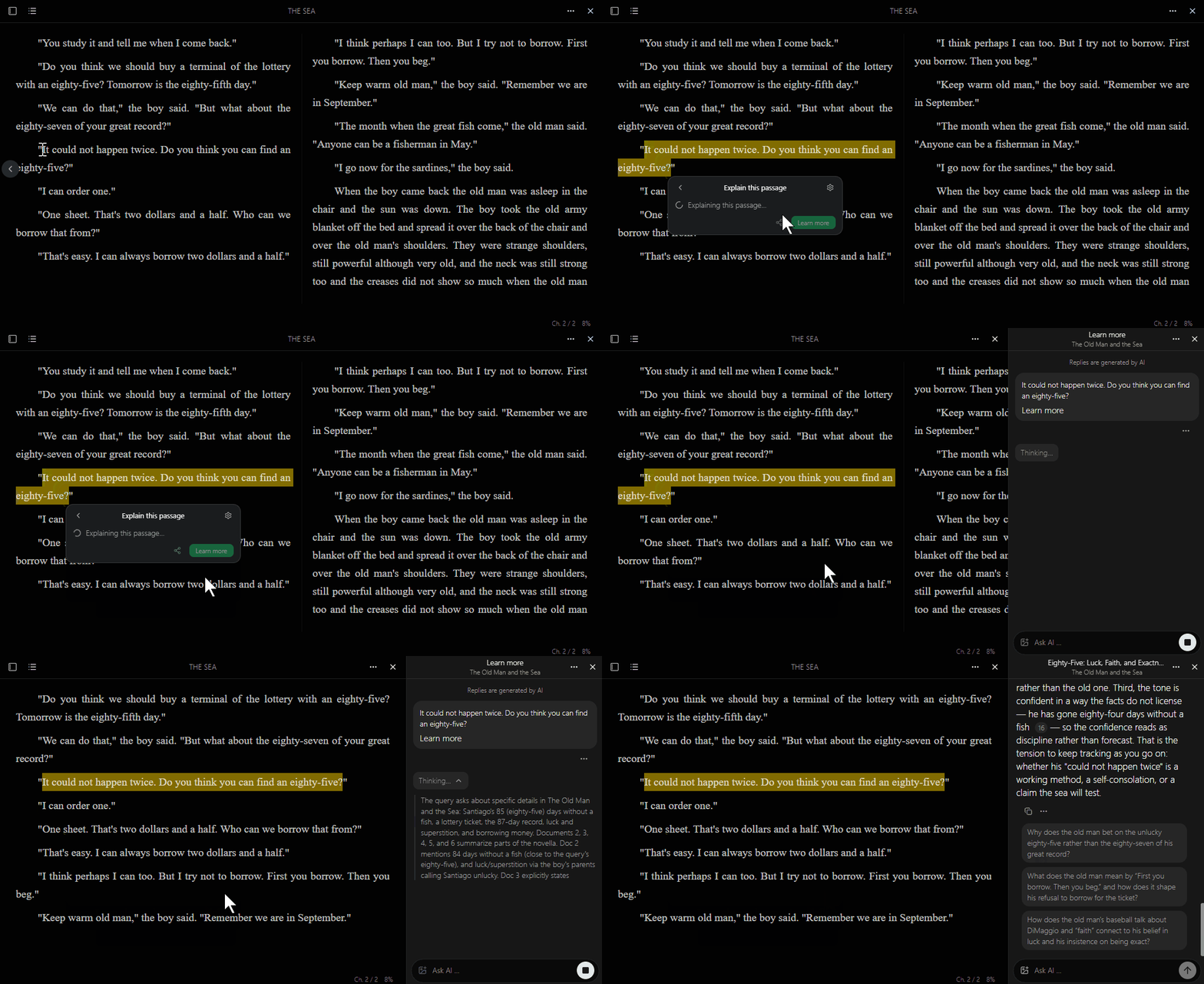
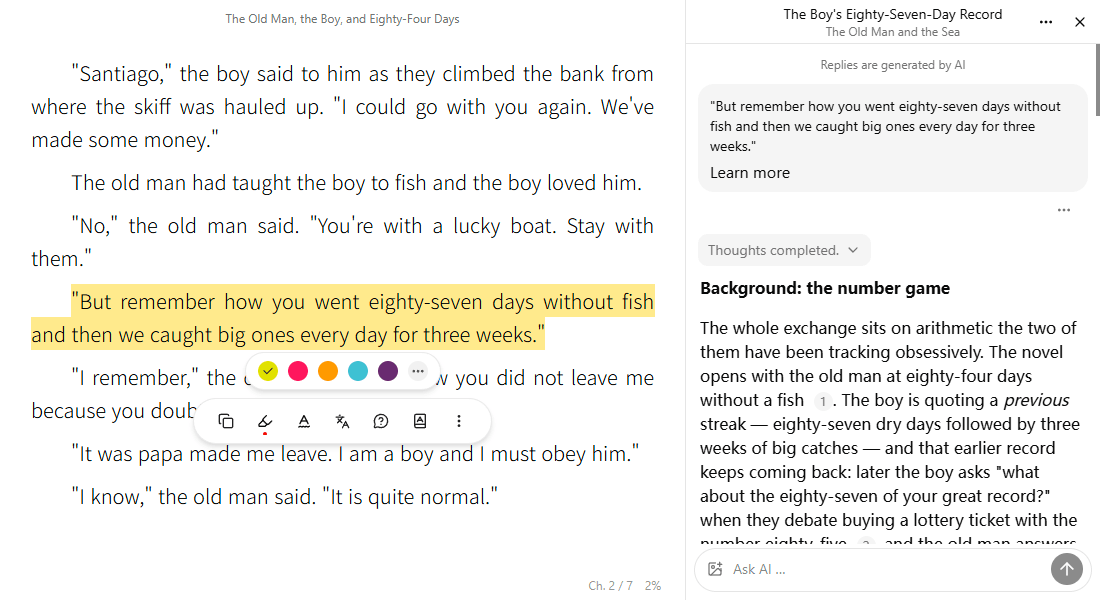
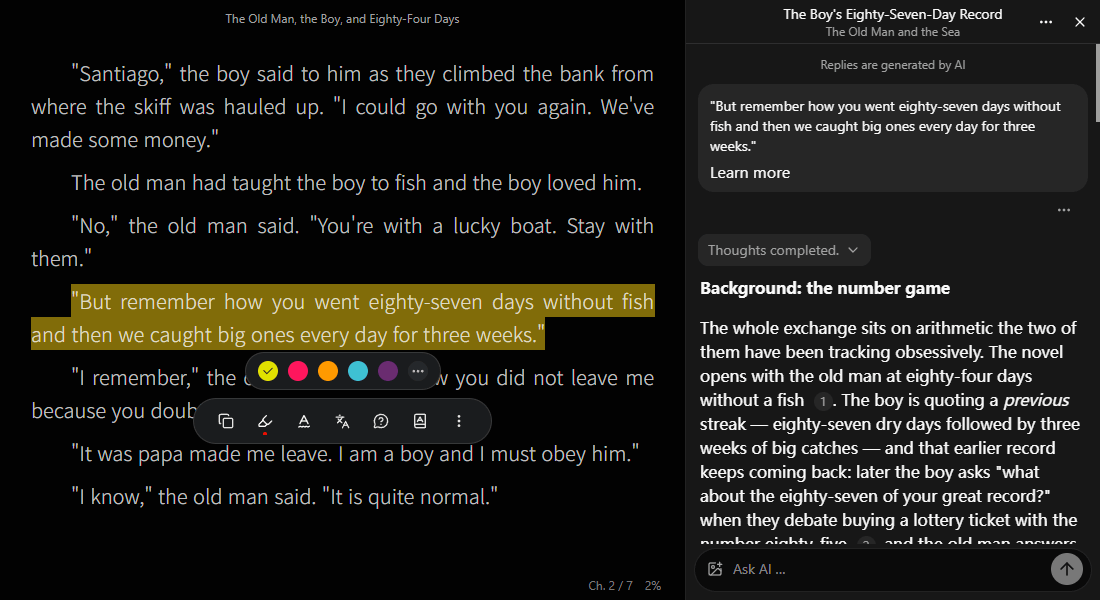
When a passage stops you, stay with it.
Select it. Keepcape makes it clear from the passage's context, not in general terms apart from the text. Then you read on.
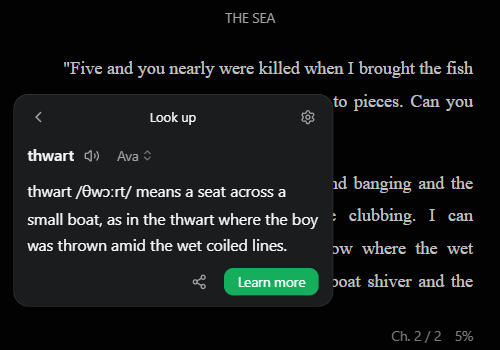
When a word stops you
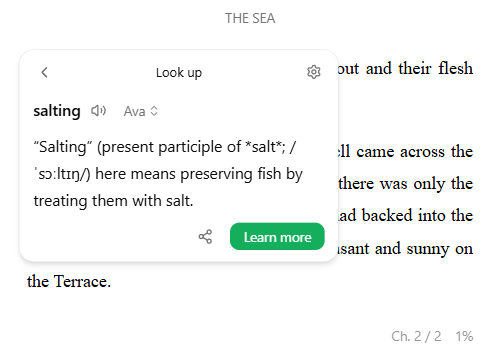
Look this word up, then read on.
The passage is clear except this one word. Select it. The sense, pronunciation, and part of speech stay with this sentence. Then you read on.
When you still want to ask
Ask further. The answer can take you back.
When the explanation or the lookup is not enough, learn more. The reply brings more of the book with it, and a click returns you to that place in the text.
Other features
Translate
Translate a selection. For ebooks, also translate the whole book, read side by side, or read the translation alone.
Multiple windows
Open two books on one screen. Each turns its own pages and keeps its own place, so you can compare them without switching back and forth.
Listen
Have it read from this line, so you can keep going when your eyes are tired.
Sync
Switch between phone and computer. Progress, highlights, notes, and translations pick up where you left them.
Layout
Horizontal or vertical, including right to left. The page follows how the book is written.
Fonts
Choose a Google font, or import a font file from your computer.
Read where you already are
Web, desktop, phone, or browser extension. The book stays with you.
Download